WaveStack Preview 5 (version 0.5.0) is out for Mac and Windows. It adds twelve Export targets, bringing the total to eighteen, and tightens the rules for several existing ones to match what each maker documents. Download it here.
New targets
Export starts by asking what the table is for. These are new in the list:
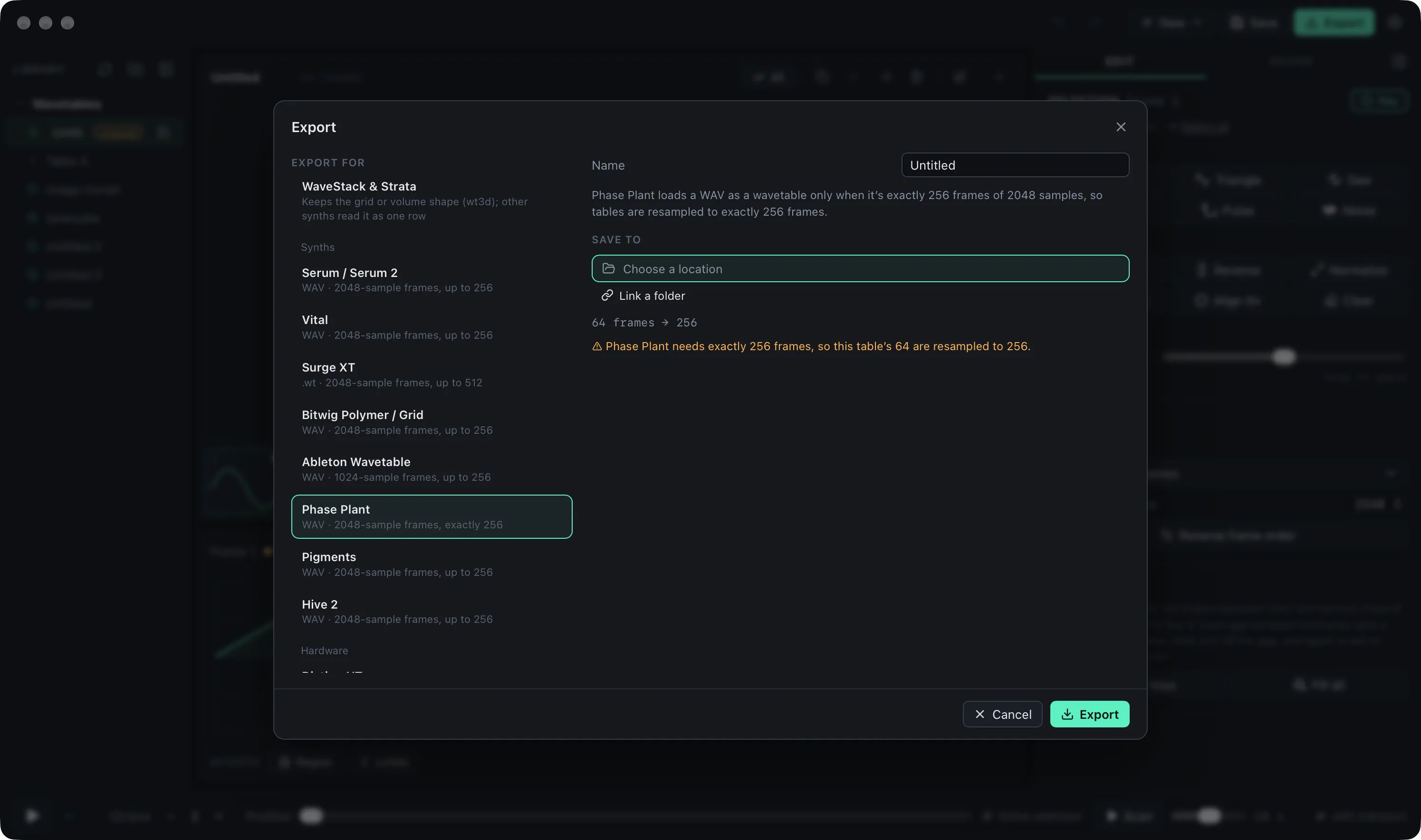
- Software: Ableton Live’s Wavetable, Bitwig’s Polymer and Grid, Kilohearts Phase Plant, Arturia Pigments and u-he Hive 2.
- Hardware: the Korg modwave (and modwave native), Arturia MicroFreak, Waldorf Iridium and Quantum, 1010music nanobox fireball and the Polyend Tracker.
- Eurorack: WaveEdit banks for the Synthesis Technology E352 and E370, and the eight-file set the Piston Honda Mk III reads.
Each target knows its instrument’s frame size, frame count and bit depth. Phase Plant and the fireball only load tables of exactly 256 frames, so Export stretches or squeezes a table to fit. Ableton reads 1024-sample frames. The modwave takes 2048 samples as 32-bit float or 256 as 16-bit, up to 64 waves. Hive marks other frame sizes in the file name. When a grid or volume meets a target that reads one row, Export says so before it saves. The Piston Honda target writes all eight files of an 8 × 8 × 8 volume, one layer per file.
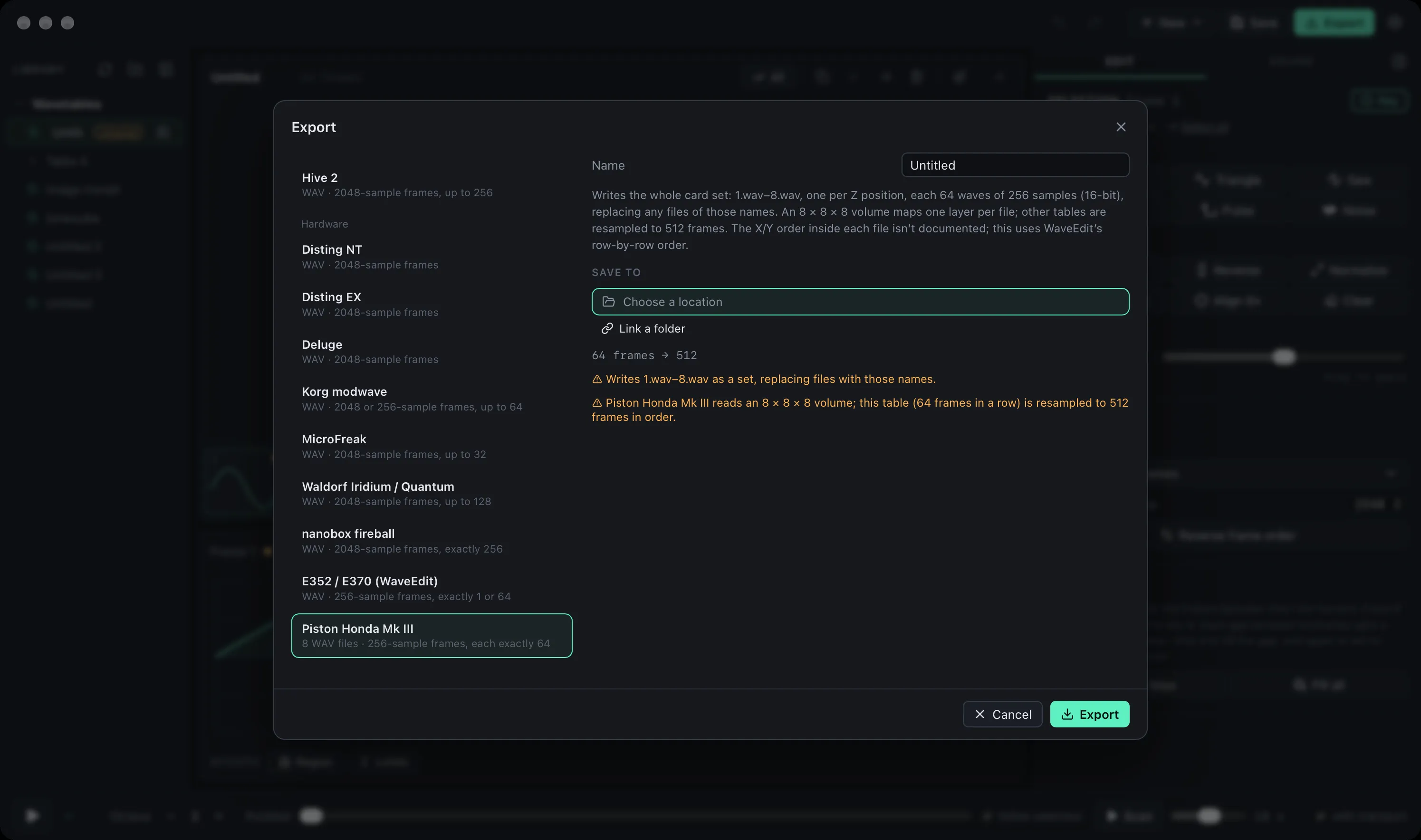
The list in the Export dialog is now grouped into synths, hardware, and everything else.
Rules checked against the makers’ docs
While writing up each instrument we went back through the documentation for every target and changed what didn’t match:
- The Deluge target writes 24-bit files, since float files cost the Deluge a little more processing, and stops at 8192-sample frames, the largest size its frame-size tag can hold.
- The Iridium and Quantum can’t read a frame size from the file, so their target always writes 2048-sample frames. Import with the period set to 2048.
- Vital files no longer carry a Serum frame-size tag, which Vital doesn’t need and which changed how it blends between frames.
- Surge XT only honors a Serum tag at 2048, so a linked Surge folder now flags files tagged at other sizes as needing conversion.
Instrument pages
The site has a new Instruments section with a page for each target, plus the instruments WaveStack can reach through another target, the ones it can’t support, and the historic synths behind the format. Each page covers what the instrument expects, how to get a table onto it, and common questions, with links to the maker’s documentation.
Known limitations
The Windows installer still isn’t code-signed, so SmartScreen will warn when you open it: choose More info, then Run anyway. There’s no iPad build yet.