WaveStack 1.0 is out
A wavetable editor for Mac, Windows and iPad
Draw, import, and morph single-cycle waves into 1D and 2D wavetables, listen as you edit, and export in the format your synth or module expects.
Watch the 45-second demoFrom the maker of Signal Function Set and SampleStack.
New: WaveStack Modulate 1.0, a modulation source for MIDI and CV.
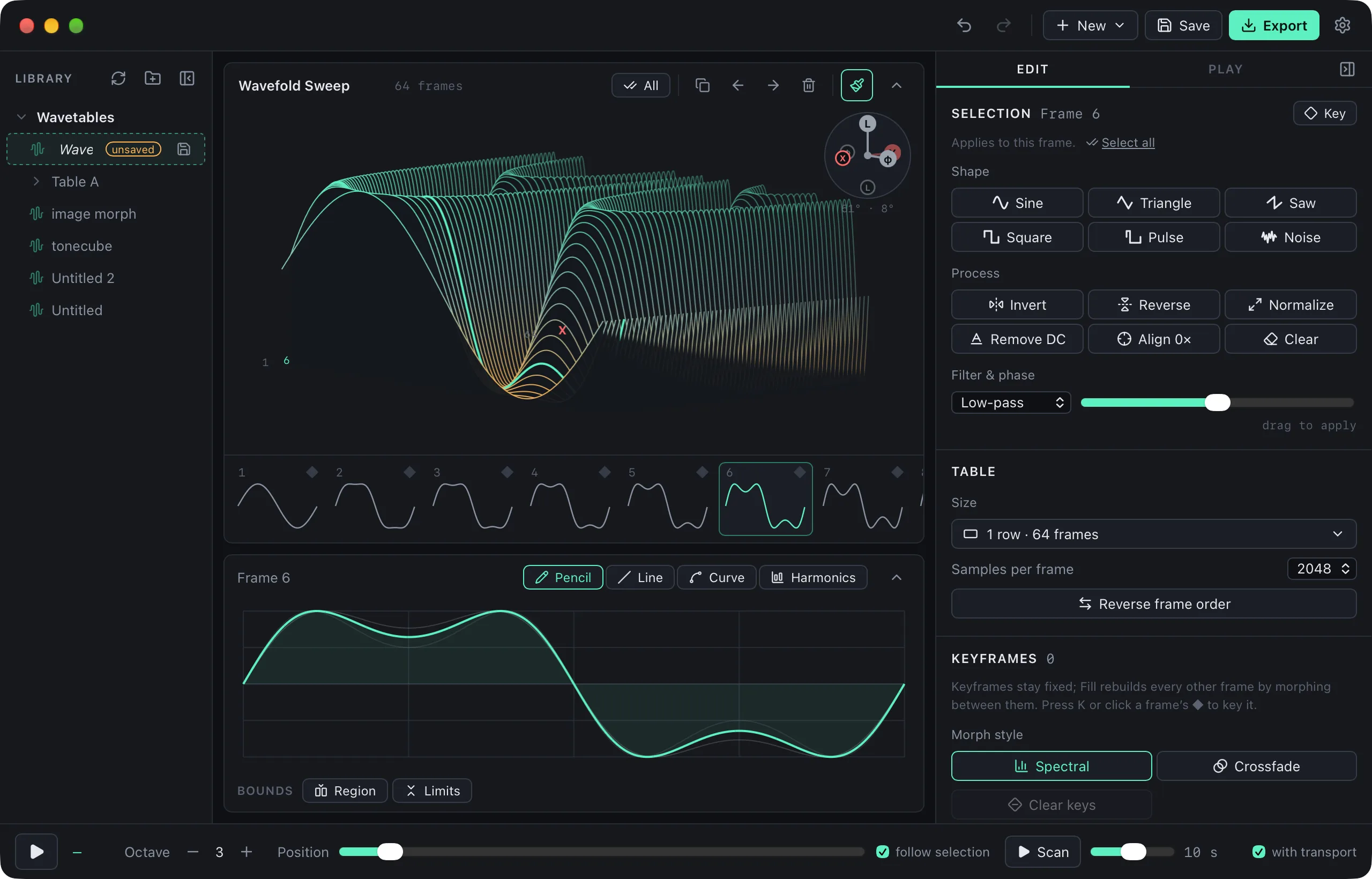
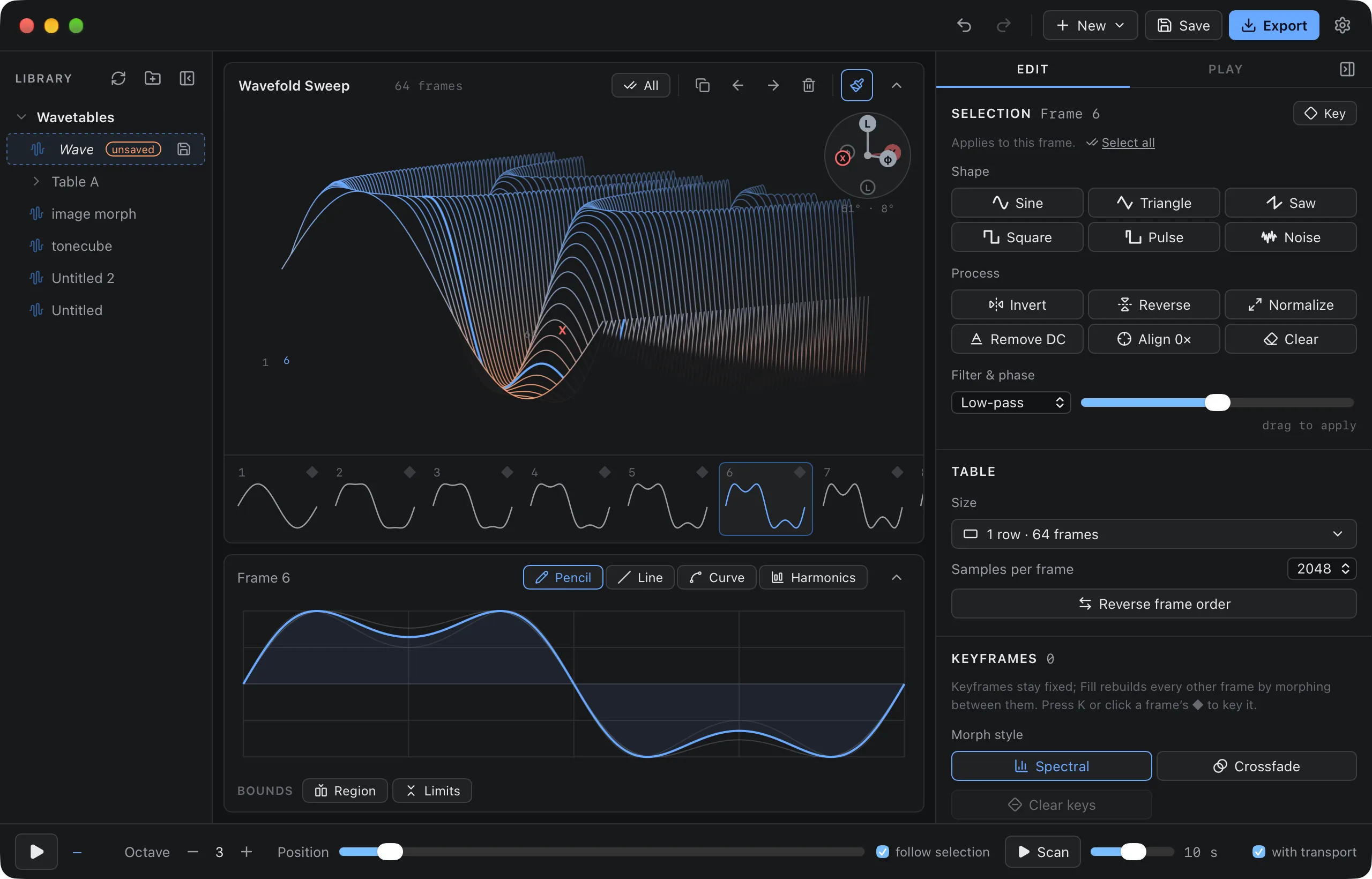
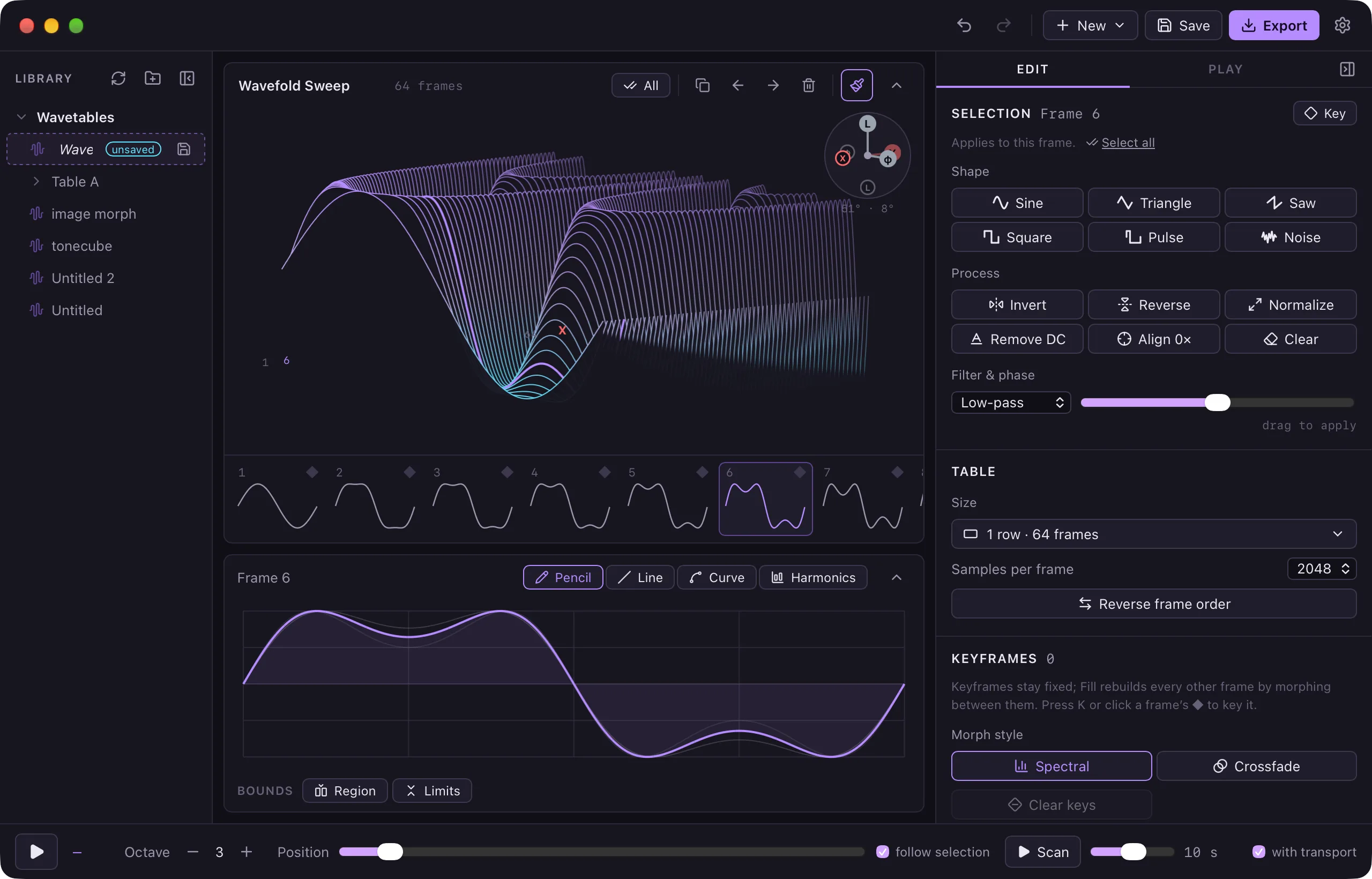
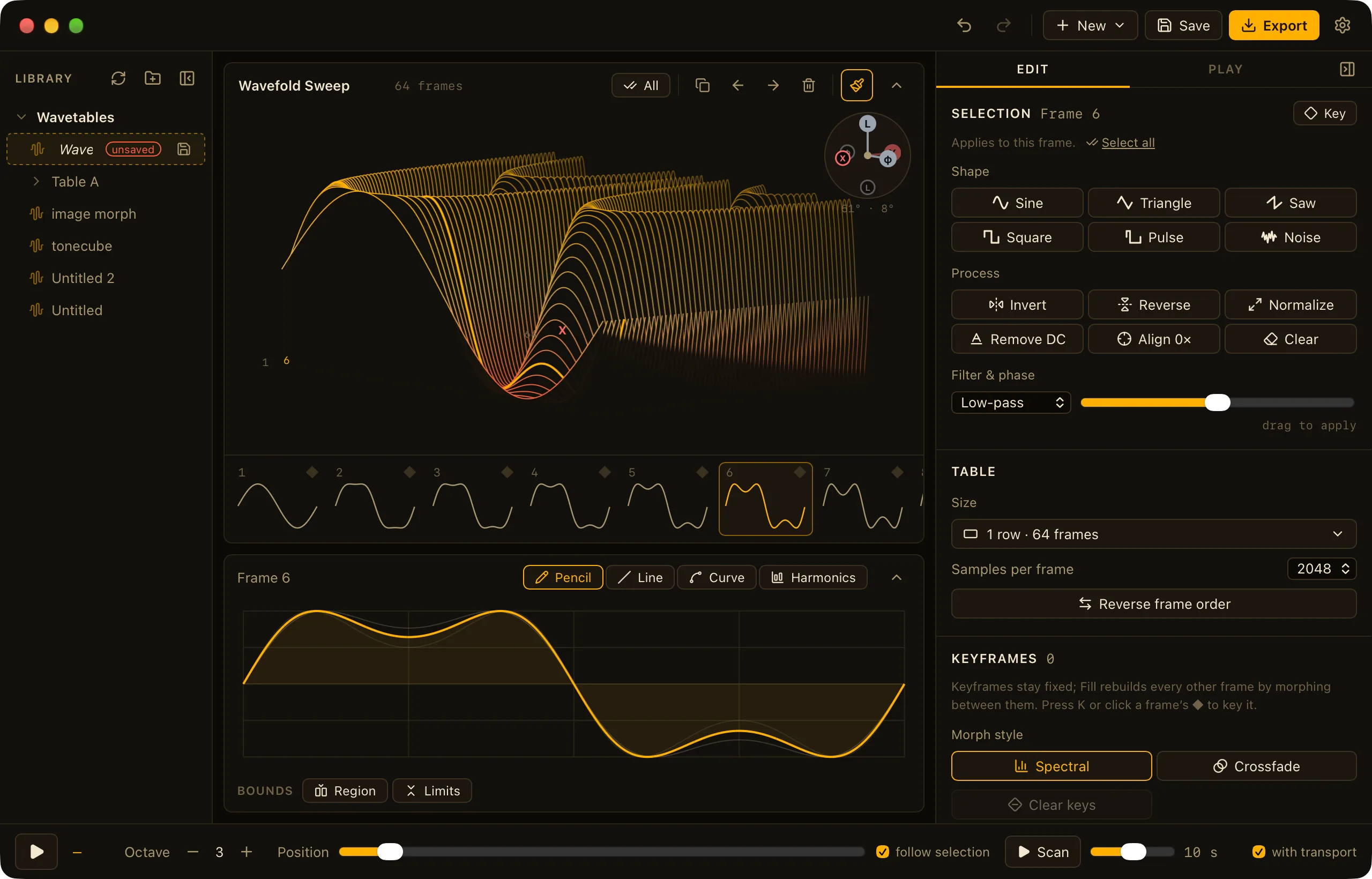
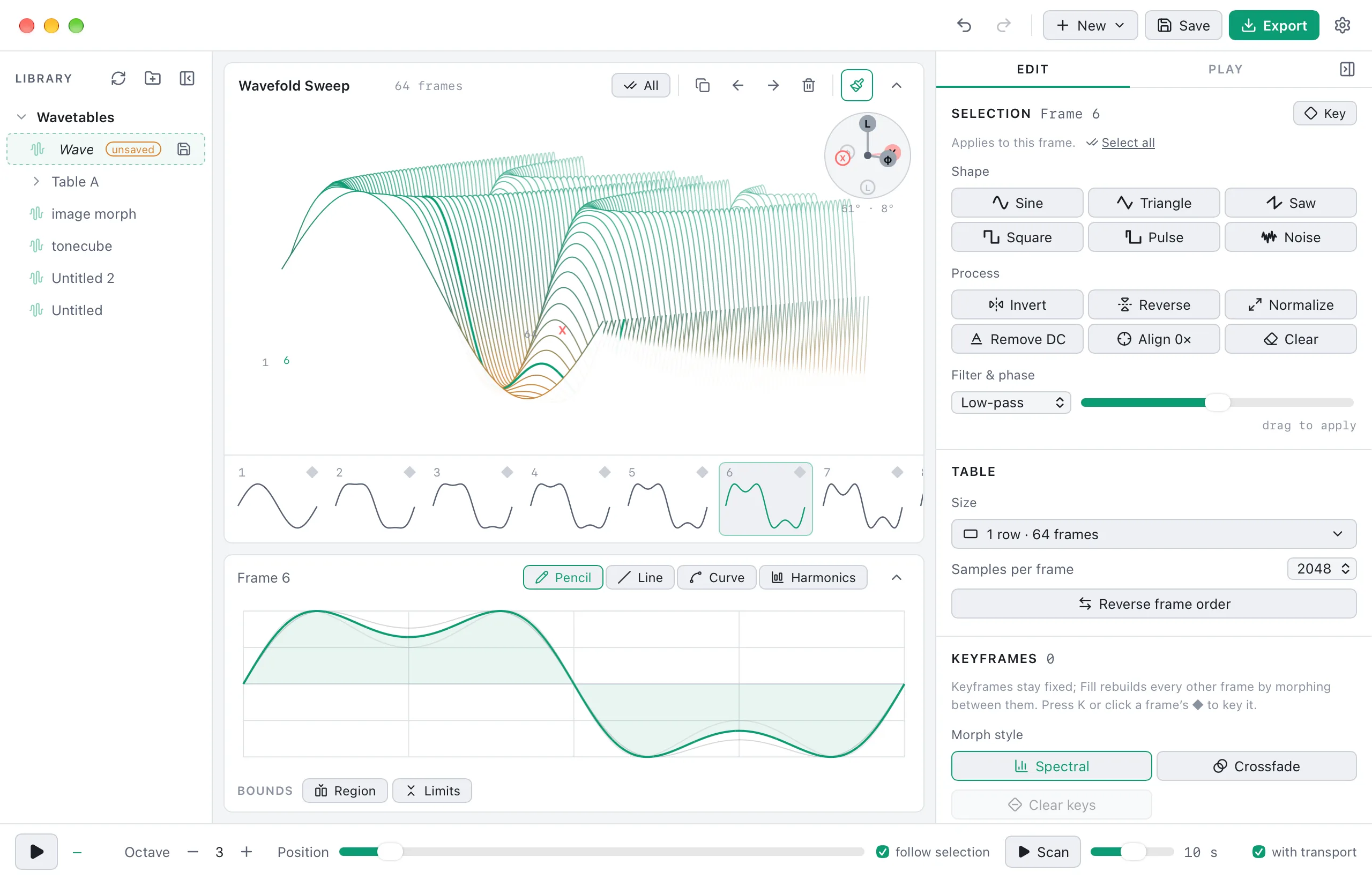
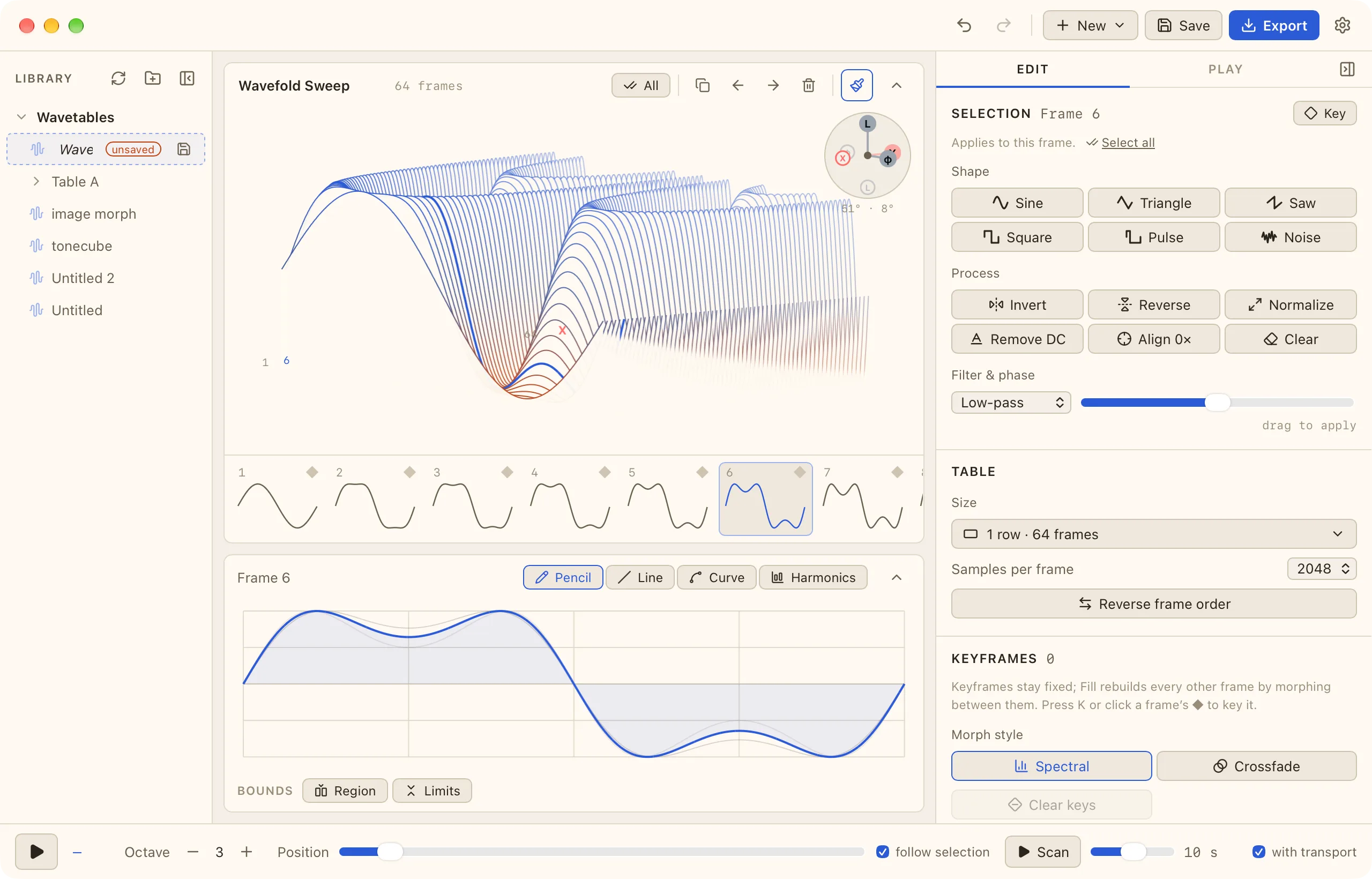
From a single cycle to a finished table
New to wavetables? How wavetables work is an interactive guide where every figure is playable.
- Draw and shape
- Pencil, line, curve, and harmonic tools. The curve tool bends a wave, squeezes it into an envelope, or limits it between two curves, with templates and an optional region.
- Build whole tables
- Start from one frame and sweep brightness, filter, fold, sync, formant, PWM, and more across a 1D table or a 2D grid. Keyframes fill in the frames between them.
- Import what you have
- Serum and Surge tables open directly. Plain WAVs can be sliced into fixed-size frames, or single cycles can be pulled out of a pitched recording. Make a wavetable from a recording
- Play it in your DAW
- WaveStack is also a CLAP, VST3 and AU instrument (CLAP and VST3 on Windows) with the whole editor in the plugin window. Tables are saved with your project, and every sound setting can be automated. About plugin mode
- Export for your gear
- Pick the synth or device a table is for and Export writes the format, frame size and frame count it expects: Serum, Vital, Surge XT, Ableton, Bitwig, Pigments, the Disting, Deluge, modwave, Iridium and more, or any WAV you like. See every instrument

WaveStack Modulate 1.0
A modulation source for MIDI and CV
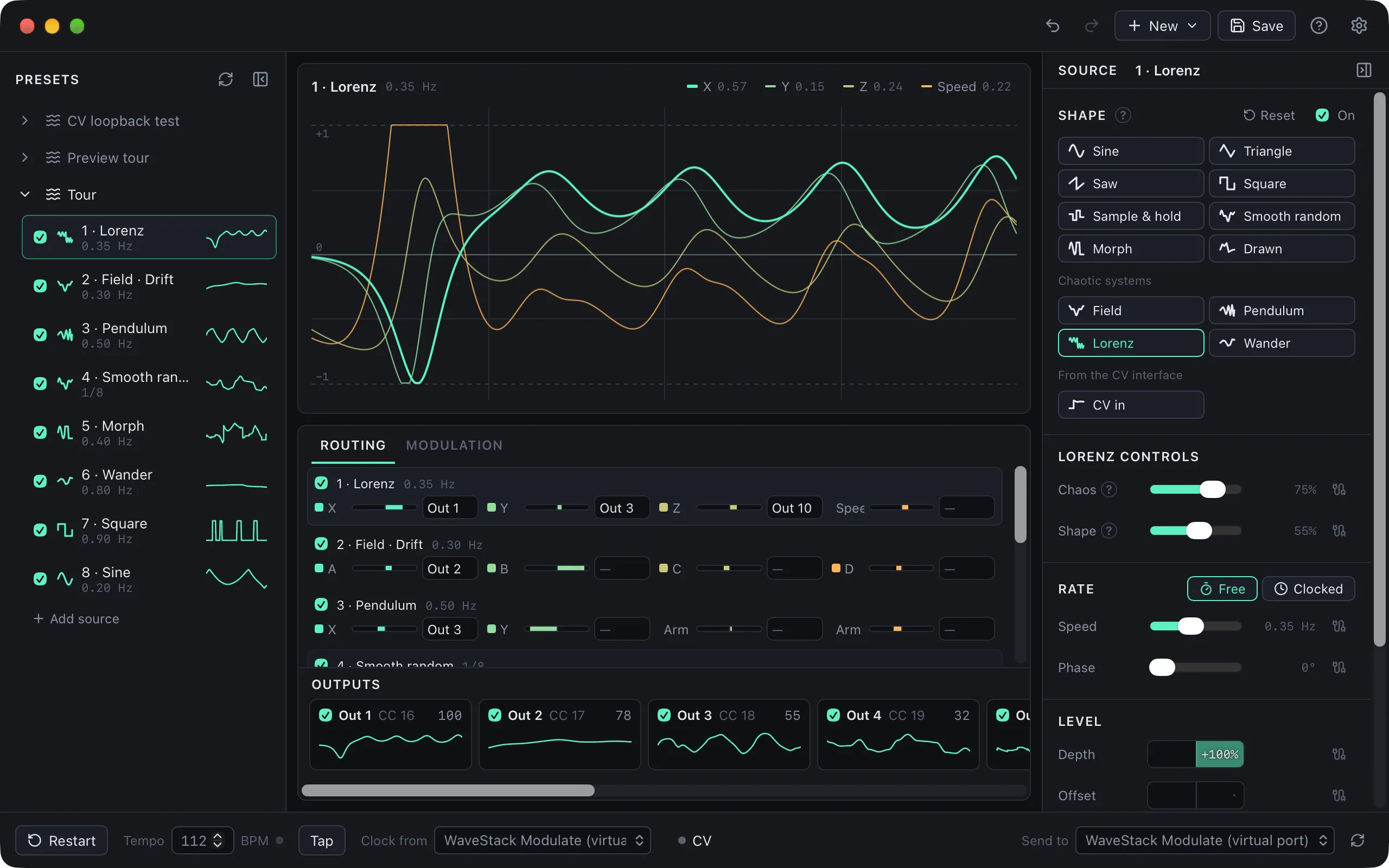
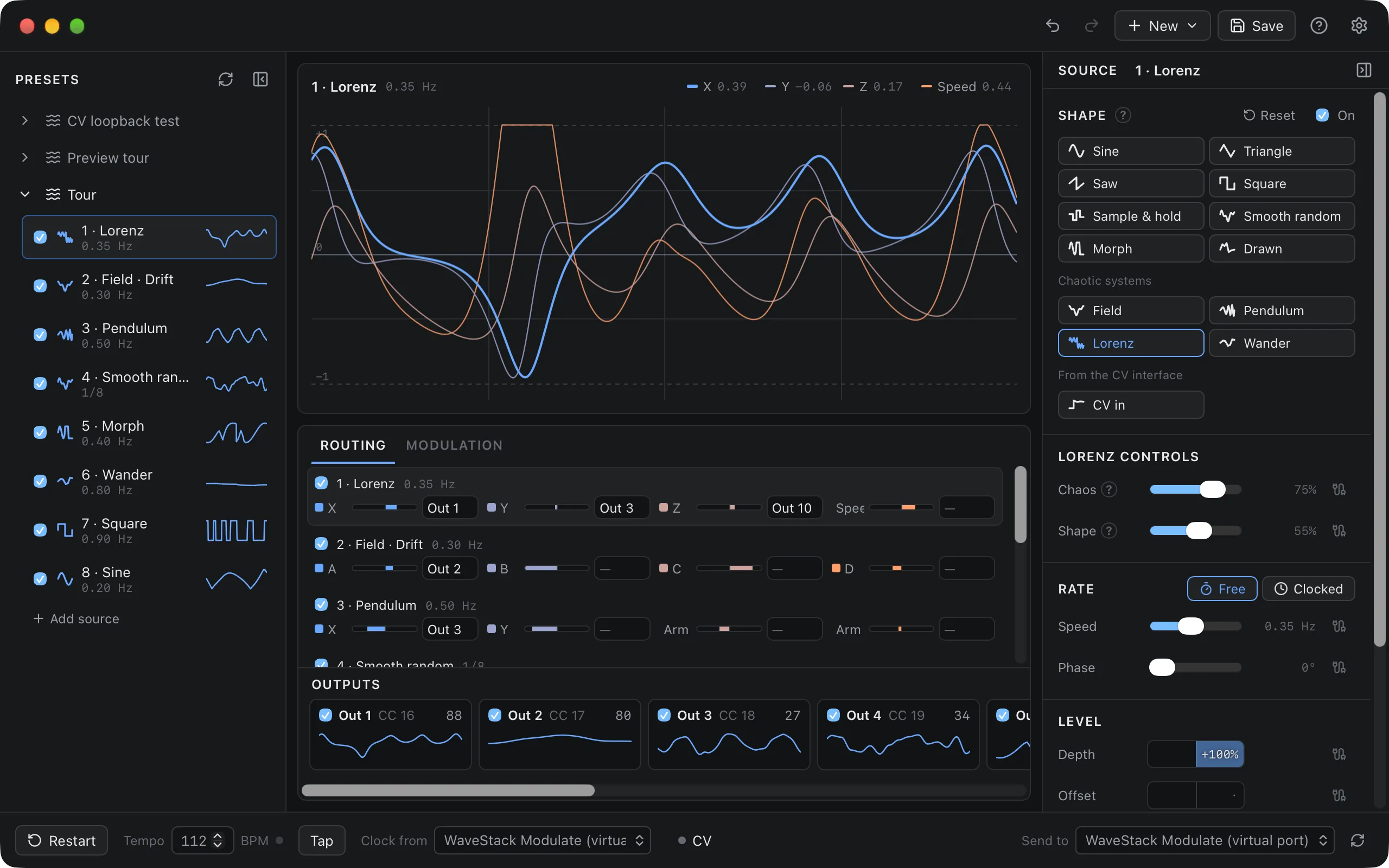
Modulate makes LFOs, random changes and chaotic motion, and sends them to your synths as MIDI CC, or to your modular as CV and gates through a DC-coupled audio interface.
Free to start on the iPad, with Modulate Pro as a $9.99 one-time purchase. On Mac and Windows, Pro is a one-time purchase with a 14-day trial.
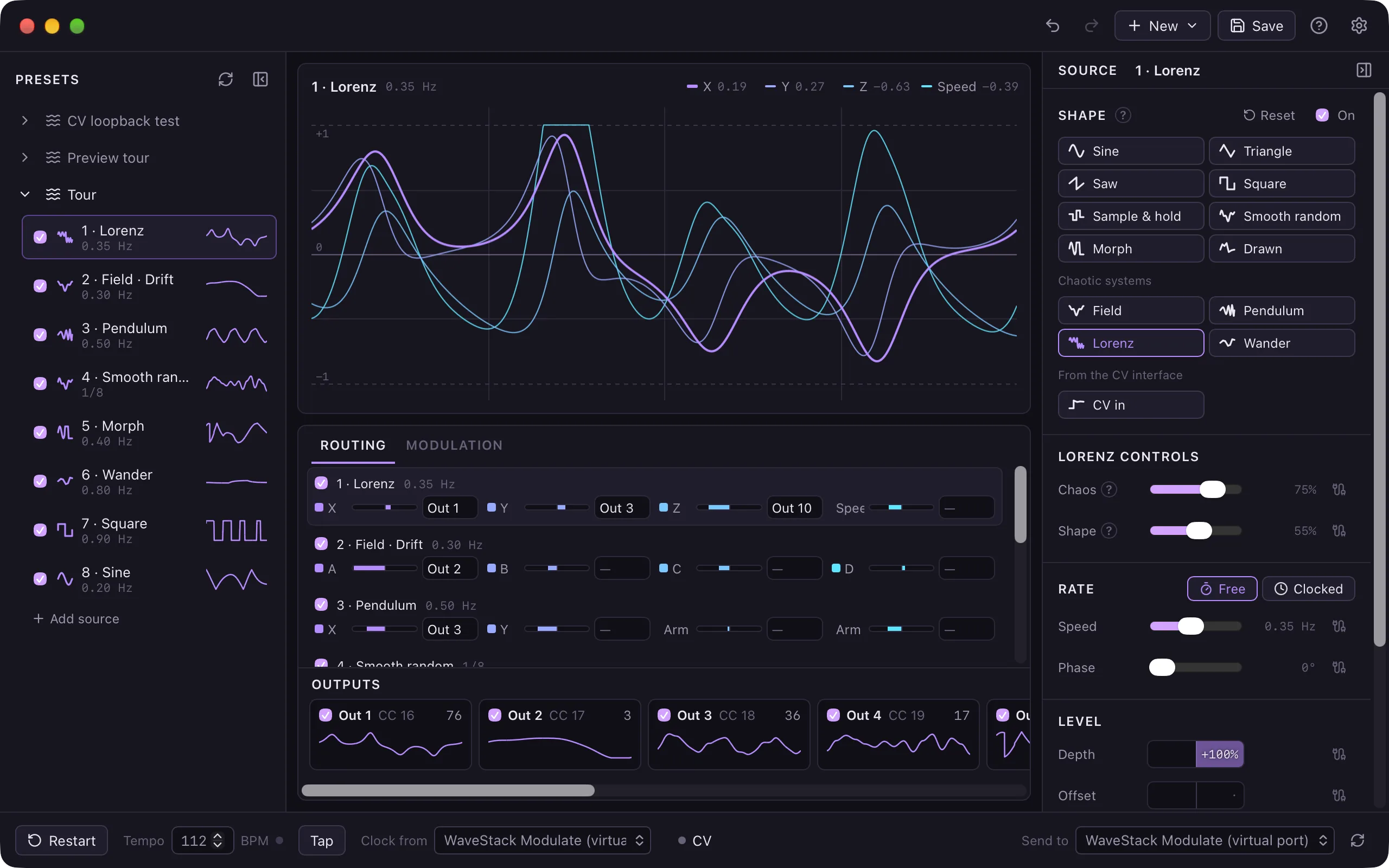
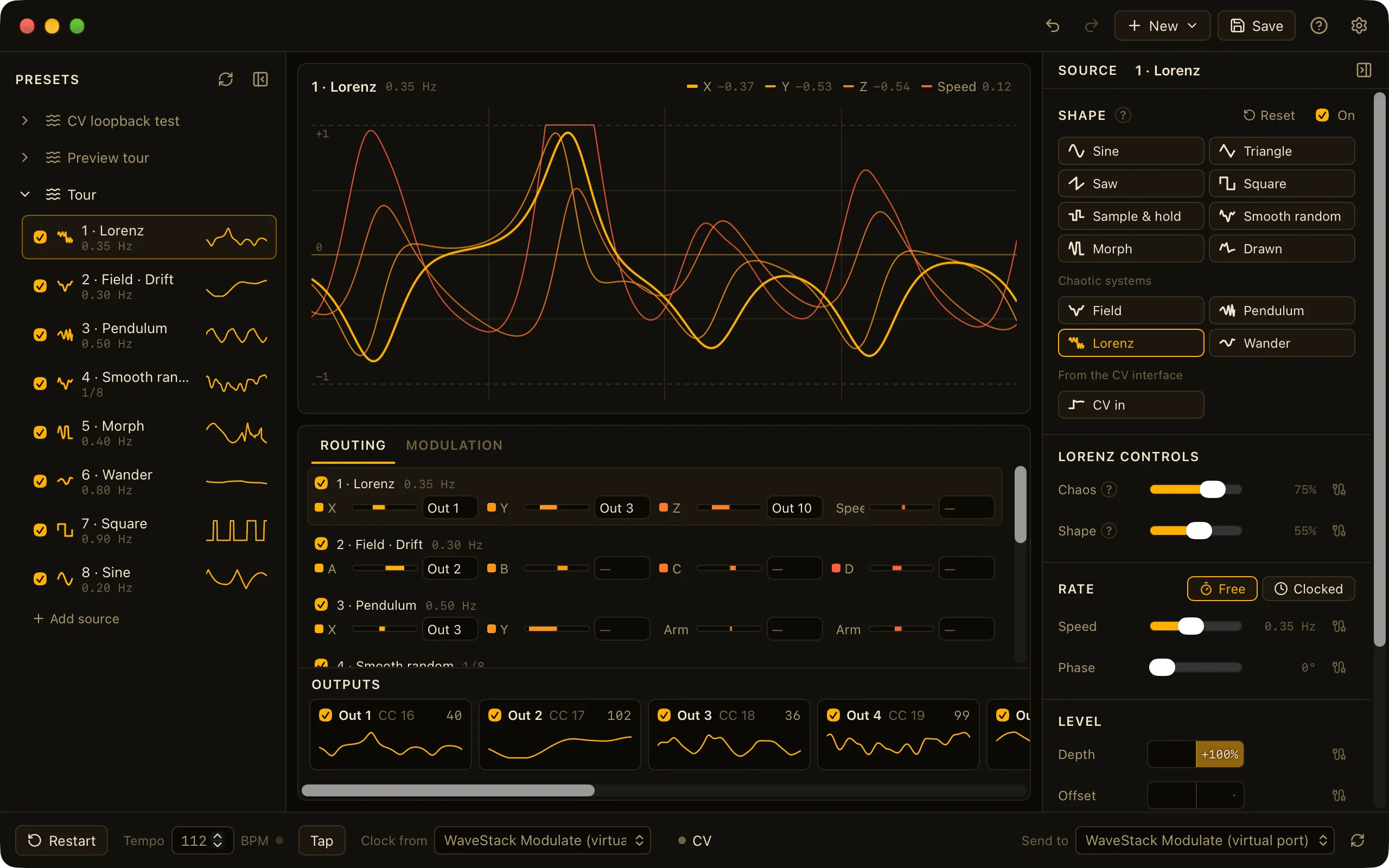
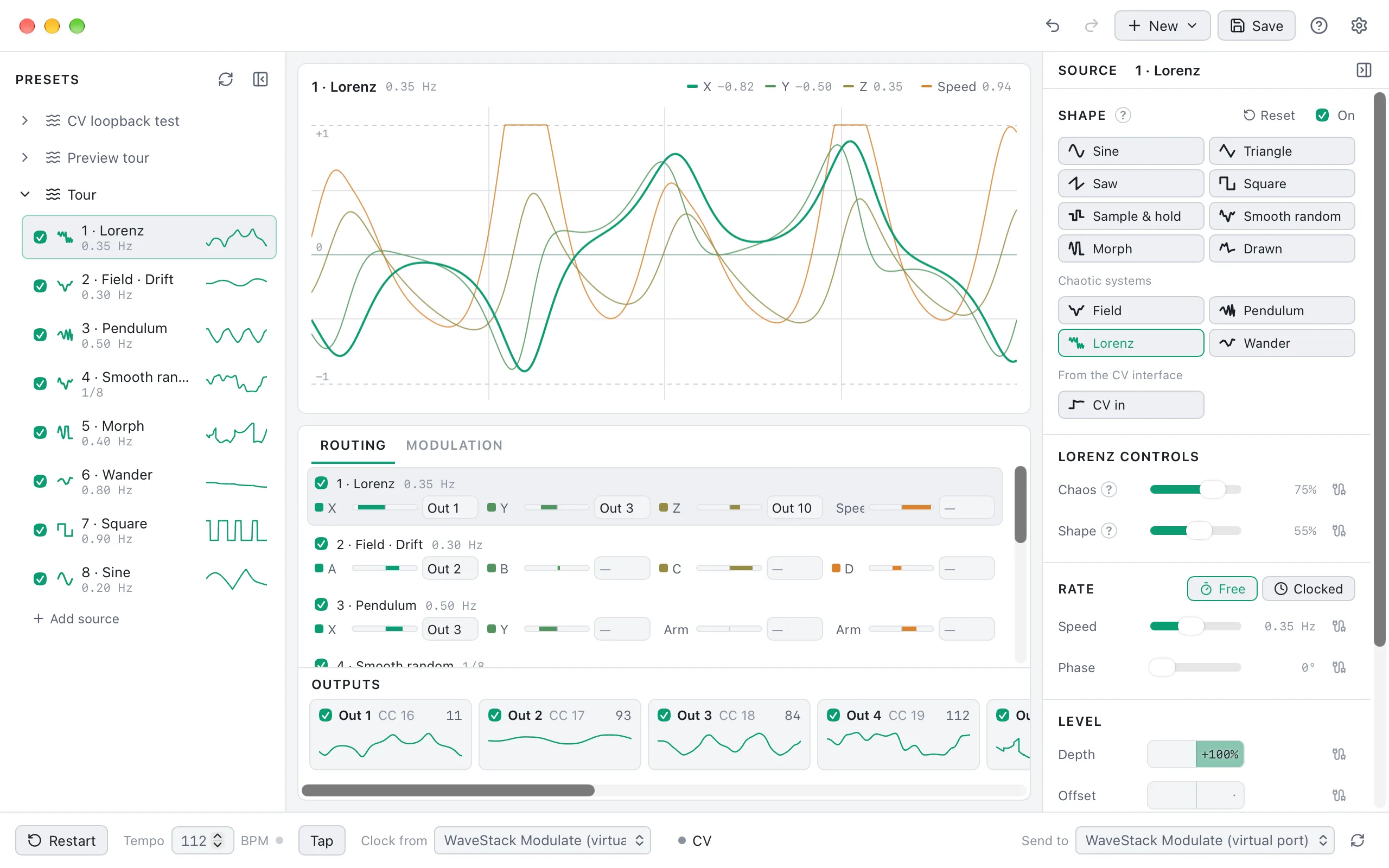
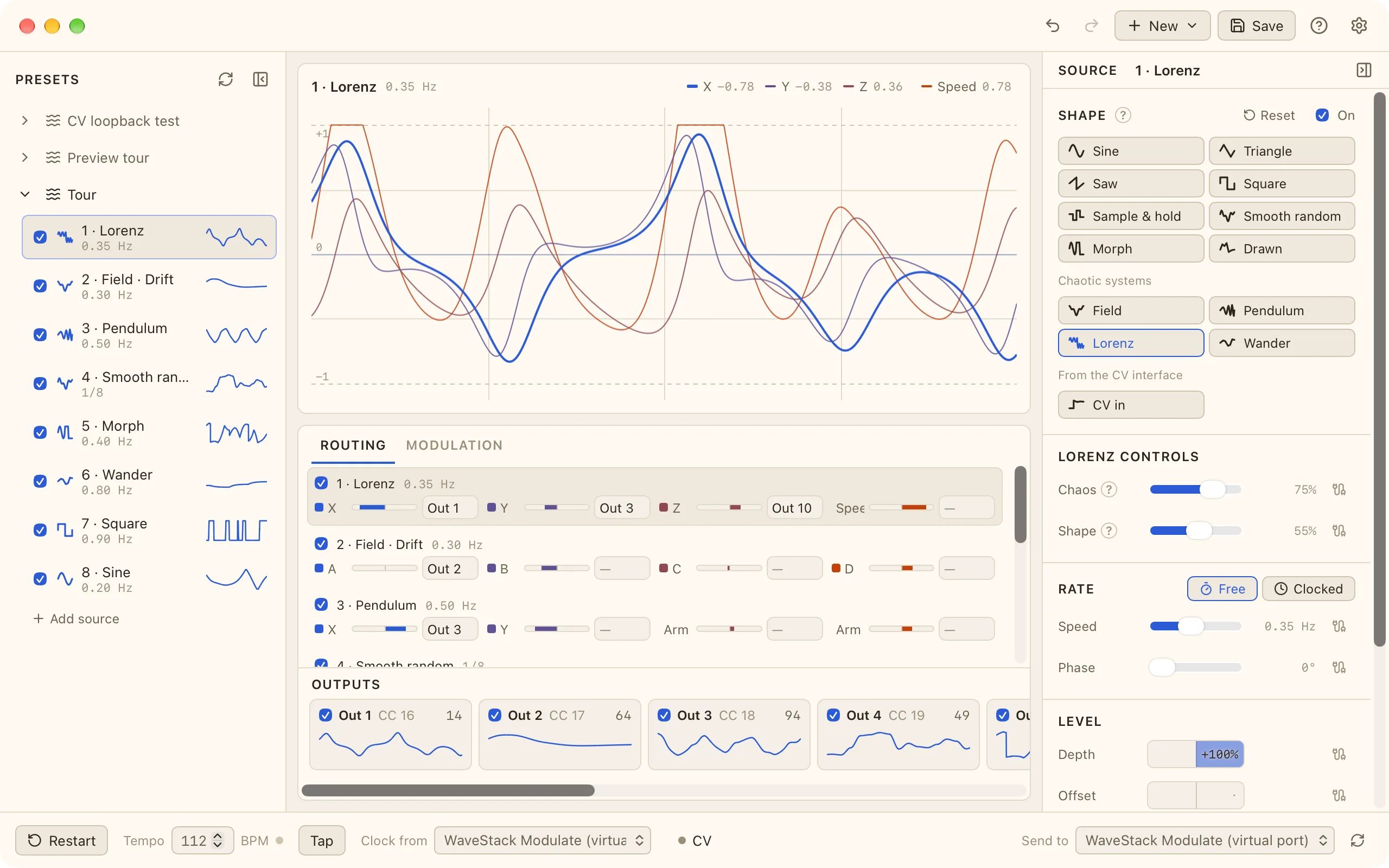
- 16 sources
- Each source is a shape: sine, triangle, saw, square, random, a shape you draw, or a chaotic system such as the Lorenz attractor. Each source has four outputs of its own, called taps.
- Routing
- Send each tap to one or more outputs. You can have up to 64 outputs, and each one is a MIDI CC, a control voltage or a gate.
- Modulation
- A source can change another source's speed, depth or shape. For example, one LFO can speed up another.
- CV and gates
- With a DC-coupled audio interface, outputs can send CV, gates or clock pulses to your modular. Add an ES-5 for 8 more gates, and ESX-8GT and ESX-8CV expanders for up to 40 more jacks. You can quantize CV to a scale, and use the interface's inputs as sources.
- On the iPad and in your DAW
- It keeps sending while you work in other apps, and runs as an AUv3 MIDI processor in AUM, Loopy Pro and Logic Pro for iPad. On Mac and Windows it's a CLAP and VST3 MIDI effect, and an Audio Unit on the Mac.
- Works with WaveStack
- Modulate's outputs start on CC 16, 17 and 18, the same numbers WaveStack's CC sources listen to. Send its MIDI to WaveStack and route those sources to X, Y or Z to move through a table.
Download WaveStack
WaveStack 1.0 (1.0.1), released November 8, 2026. Free to use. On Mac and Windows, WaveStack Pro is unlocked for a 14-day trial; on the iPad it's an in-app purchase.
macOS
Universal (Apple Silicon and Intel), macOS 12 or later. Signed and notarized. The plugin is CLAP, VST3 and Audio Unit for your DAW: unzip it and copy the formats you use into your plug-in folders.
SHA-256
App2206010b041608b00e964dc5a11633a7ce0bd9018836effe5a0710970a3d435e Plugin 06fea46079a2886e6ac028f71e5aff5c303840676240c16aa7a5128899da581b Windows
Windows 10 or 11, 64-bit. Not yet code-signed, so SmartScreen will warn: choose More info, then Run anyway. The plugin is CLAP and VST3, also unsigned: unzip it and copy the formats you use into your plug-in folders.
SHA-256
App458564aece3bbb401583a7b30adc00c1d90d6a2782cfc1a0d85acd74d0eb351d Plugin e7dffe1bb8f85763764b5af1e21cad010d5af4c94cbfc108cb08e09b5d8568ed iPad
iPadOS 16 or later. The same WaveStack with a layout made for touch, an on-screen keyboard and your tables in the Files app. WaveStack Pro adds an AUv3 for GarageBand, Logic Pro, AUM and other hosts.
Looking for Modulate? See all downloads.
Build tables on your Mac or PC, play them in your DAW with the plugin, and take them with you on the iPad. Every table is a plain WAV file in a folder you choose, ready for your synth.
- macOS
- Windows
- iPad