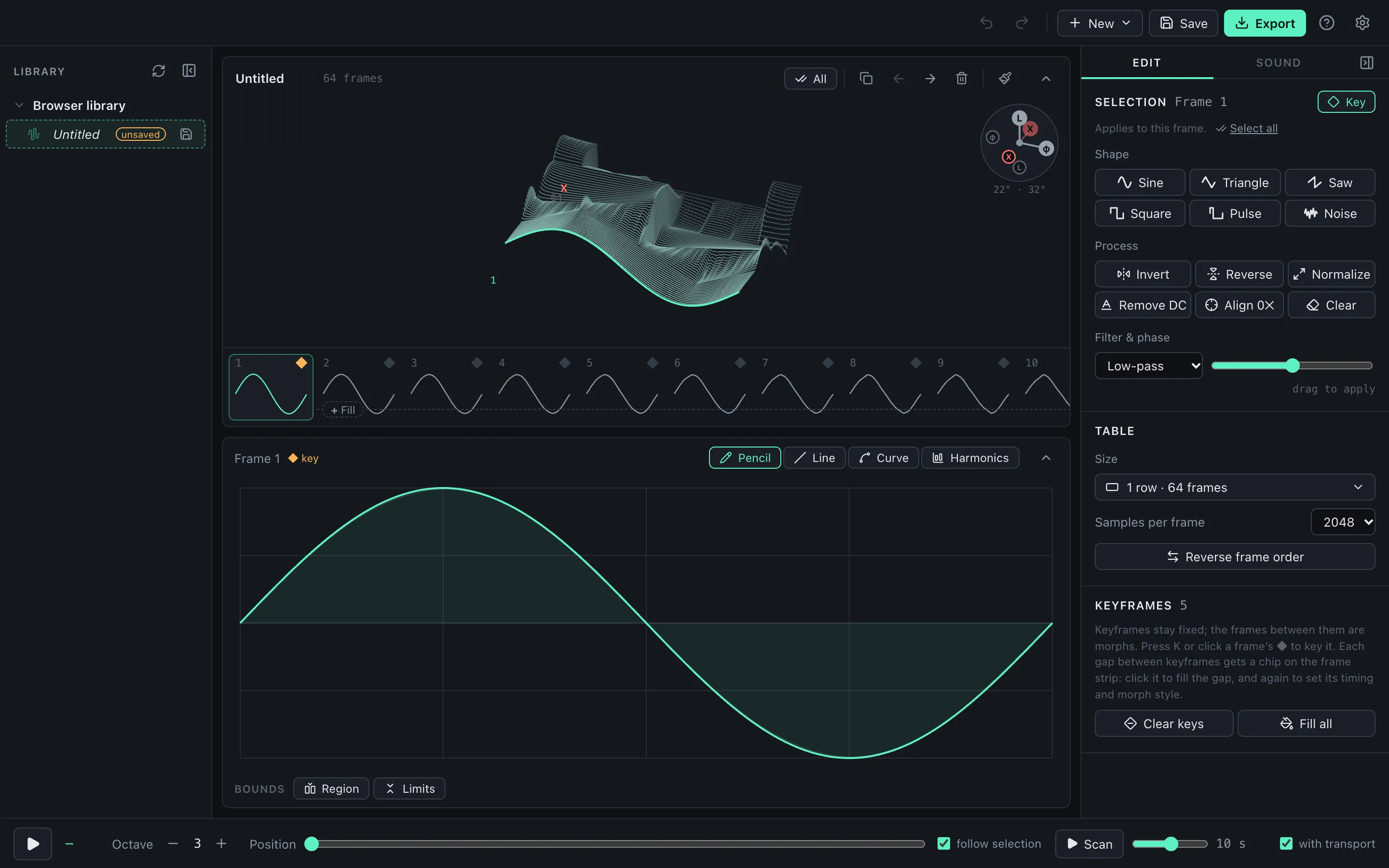
WaveStack 1.0 (version 1.0.0) is out for Mac and Windows, along with the plugin for your DAW. Download it here. And WaveStack for iPad is now on the App Store, with the AUv3 for GarageBand, Logic Pro, AUM and other hosts.
Thank you to everyone who tried the previews and sent bugs, ideas and tables.
Free, with Pro on top
WaveStack stays free for making, editing, playing and exporting wavetables, for every synth and device it supports. Opening and playing any table, 3D volumes included, is always free.
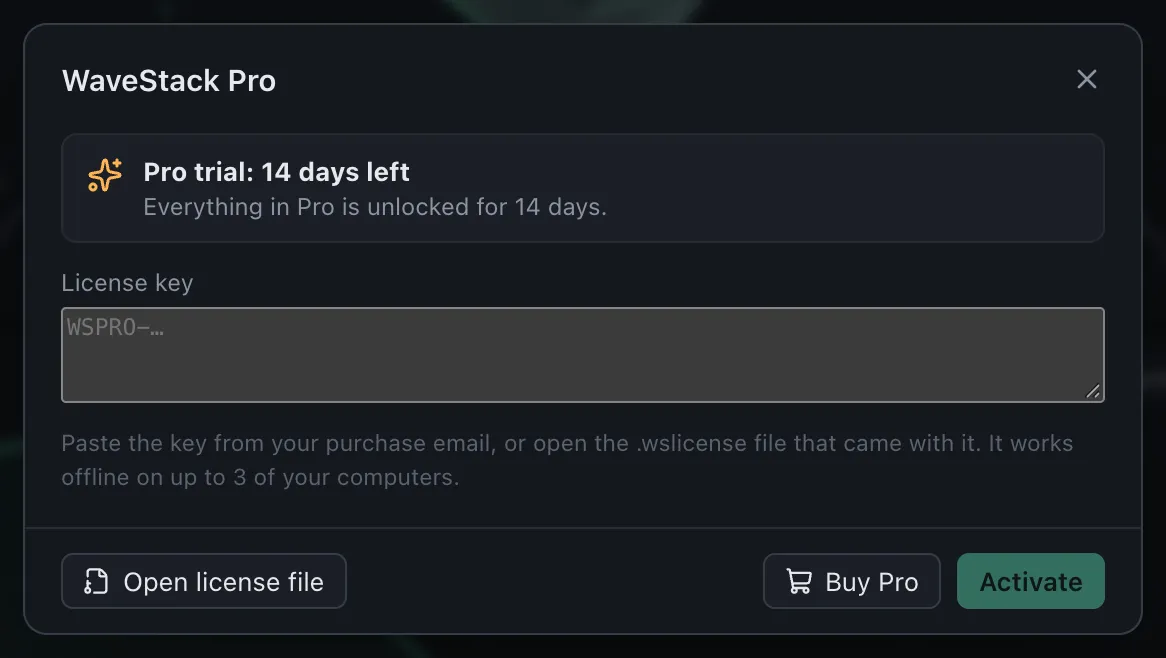
WaveStack Pro adds 3D volumes, morphing between tables, device folders, and the plugin. It’s a one-time purchase, not a subscription, and covers every 1.x update on up to three of your computers.
- Try it first. Pro is unlocked for 14 days from the first time you open WaveStack or the plugin. Settings › WaveStack Pro shows the days left.
- One license for the app and the plugin. Enter it in either and both unlock. Your key arrives by email and works offline: no account, no activation server.
- Refunds. If Pro isn’t right for you, you can have a full refund within 14 days. See the Refund Policy.
When the trial ends without a license, Pro features show a prompt instead, and the plugin goes silent and shows how to unlock it. Everything you made stays yours.
On the iPad, Pro is a one-time in-app purchase instead. It’s sold separately from the desktop license.
MIDI CC as modulation sources
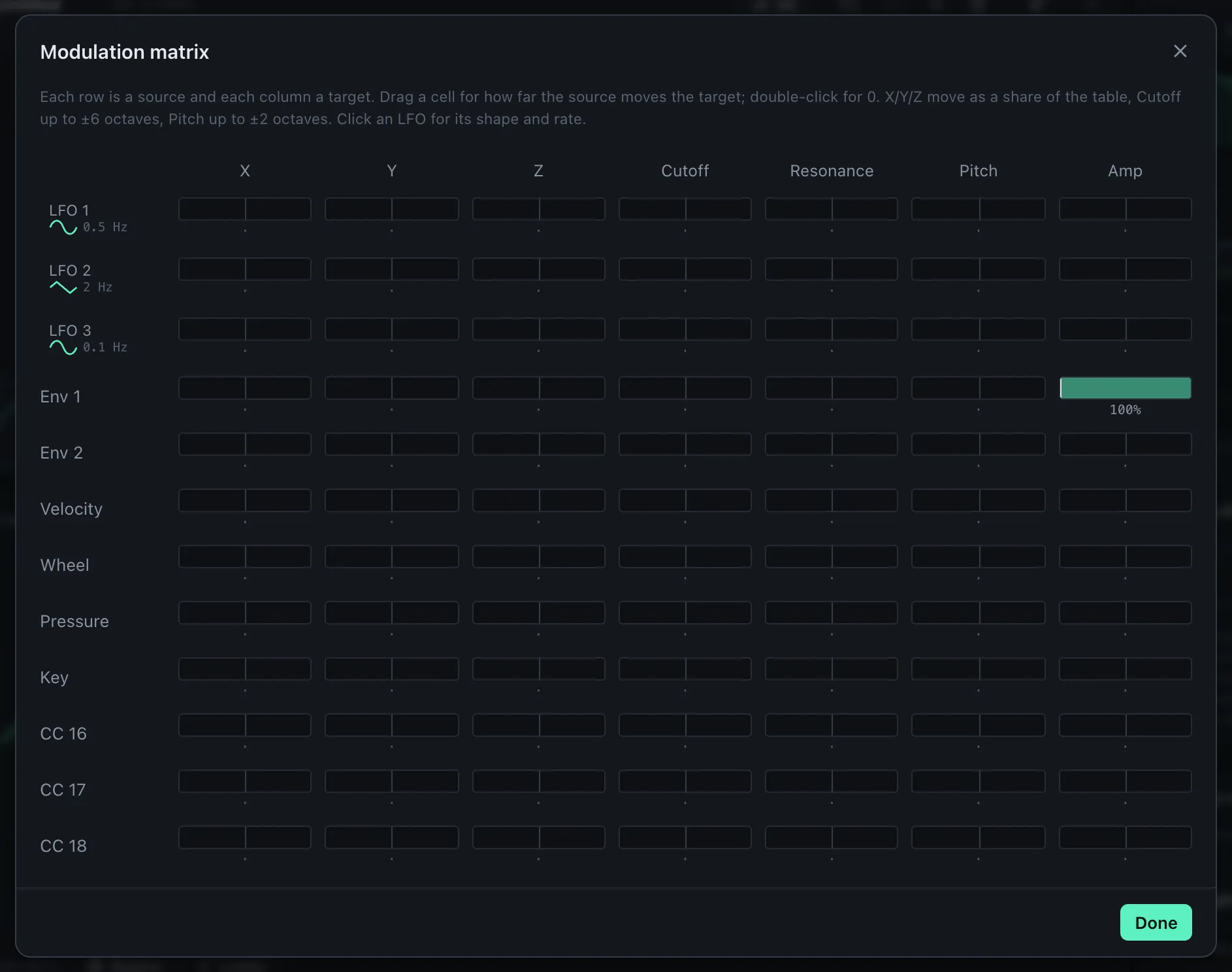
Three CC sources (A, B and C, on CC 16, 17 and 18 unless you choose others) join the LFOs, envelopes, velocity, mod wheel, pressure and key. Point a knob or fader on your controller at one, then route it to X, Y, Z, cutoff, resonance, pitch or level like any other source. MIDI modulation is also smoother: incoming controller values glide rather than step.
The modulation matrix
The Modulation section can now show every source against every target as a grid. Drag a cell to set how far a source moves a target, and double-click it for zero. Maximize it for a full-size view with room for every name.
Also new
- A new app icon.
- The side panels slide their contents in and out as they open and close.
Known limitations
The Windows app and plugin aren’t code-signed yet, so SmartScreen will warn when you open the installer: choose More info, then Run anyway.